Cisco VLAN Configuration: A Step-by-Step Guide for Network Engineers
Configure VLANs, 802.1Q trunks, and inter-VLAN routing on Cisco IOS-XE switches with verified commands and the troubleshooting steps that catch the common mistakes.

Plan before you configure
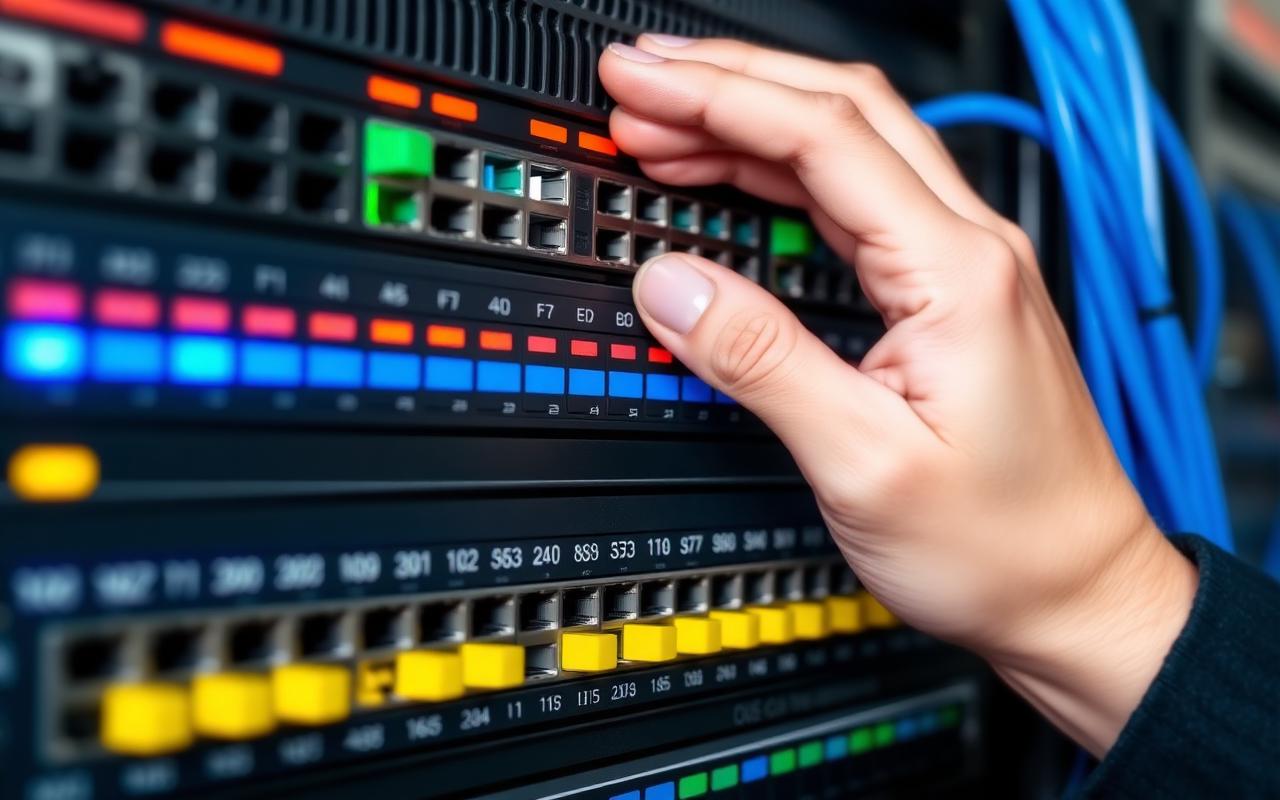
Before touching the CLI, document the VLAN plan. Decide which VLAN IDs serve which functions (data, voice, management, IoT, servers, guest), which subnets map to each VLAN, which Layer 3 device performs inter-VLAN routing, and which ports on each switch are access versus trunk. Almost every VLAN incident we have seen in production traces back to a missing or incorrect plan.
Creating VLANs on a Cisco switch
Enter privileged exec mode and global configuration. Create the VLAN with a numeric ID and a meaningful name: `vlan 20` followed by `name USER_DATA`. Repeat for each VLAN. Use `show vlan brief` to verify.
Configuring access ports
For each end-user port, set the switchport mode to access and assign the VLAN: `interface GigabitEthernet1/0/1`, `switchport mode access`, `switchport access vlan 20`. For ports that need voice plus data, add `switchport voice vlan 10` (replacing 10 with your voice VLAN). Disable unused ports by shutting them down and assigning them to an unused parking VLAN.
Configuring 802.1Q trunks
Between switches and to routers, use trunking: `switchport mode trunk`, `switchport trunk encapsulation dot1q` (on platforms that require it), and critically `switchport trunk allowed vlan 10,20,30` to restrict the trunk to only the VLANs that genuinely need to traverse it. Disable Dynamic Trunking Protocol with `switchport nonegotiate` on all production interfaces.
Inter-VLAN routing
Inter-VLAN routing can run on a Layer 3 switch (the standard pattern) or on a router with a single trunk interface configured for router-on-a-stick. The Layer 3 switch approach scales better and is the production standard. Configure an SVI per VLAN: `interface vlan 20`, `ip address 10.0.20.1 255.255.255.0`, `no shutdown`.
Troubleshooting checklist
When inter-VLAN traffic does not flow, check the basics in order: is the VLAN present on every switch in the path? Is the trunk between switches passing the VLAN (`show interfaces trunk`)? Is the SVI up and configured with the right IP? Are end devices configured for the correct subnet and gateway? Are there ACLs filtering the traffic?
Common mistakes to avoid
Native VLAN mismatches between trunked switches generate CDP warnings and can break frames. Allowing all VLANs on every trunk creates security and operational risk. Assigning end-user ports to VLAN 1 leaves them on the default native VLAN. Leaving DTP enabled on production ports invites VLAN-hopping attacks.
Reader questions, answered
How many VLANs is too many?+
Operationally, each additional VLAN adds management overhead. Drive VLAN count by genuine segmentation requirements, not by the convenience of separating teams.
Raza Ahmad is a technology author and IT infrastructure specialist based in Melbourne, Australia. He writes practitioner-grade guides on cloud computing (Azure and AWS), cybersecurity, enterprise networking with Cisco platforms, Linux administration, DevOps, and virtualization. His work focuses on translating complex infrastructure topics into clear, accurate guidance that engineers, system administrators, and IT decision makers can put to work in production environments. Every article published under his byline is fact-checked against current vendor documentation, official standards, and Raza's own hands-on experience operating the technologies he covers.
More from Networking

A Field Guide to BGP Troubleshooting in Modern Enterprise Networks
The diagnostic patterns experienced network engineers use when BGP misbehaves between data centers, clouds, and the internet edge.
CCNA vs CCNP: Which Cisco Certification Should You Pursue?
How to choose between Cisco's associate and professional certifications based on where you are in your career and what you want to do next.
The Complete Cisco Networking Guide for Network Engineers
A structured reference for network engineers working with Cisco IOS, IOS-XE, and NX-OS — covering switching, routing, security, and modern automation.
One email. The technology stories that actually matter for engineers.
A curated digest of the week's most useful tutorials, reviews, and analysis — no clickbait, no AI summaries of someone else's work.
Free. Unsubscribe anytime. See our privacy policy.